Free online photo editor · powered by Gemini & Seedream
AI Photo Editor — Free, No Sign-Up
Upload a photo, pick an edit or say what to change. Erase strangers, swap the background, rescue an old print — the rest of your photo stays exactly as it was.
- 1 free edit, no account
- ≈8 s per edit
- Photos never stored
- Free text, crop & cut-out tools
Erase tourists and strangers behind you.
Today’s challenge: Remove background. Clean white background, subject untouched. Do it on any photo to keep your streak.
In short
AI Photo Editor edits a photo from a one-tap preset or a plain-English instruction. Upload an image, choose one of 12 edits — remove people, erase an object, change or remove the background, restore an old photo, enhance, fix lighting, change outfit or style — and get the result in about 6–10 seconds. The first edit is free with no sign-up, and photos are never stored.
Real results from this editor
Drag the line. Nothing else moves.
Each pair below came straight out of the editor with the edit named under it — no retouching afterwards. Sample photos are AI-generated and show fictional people.
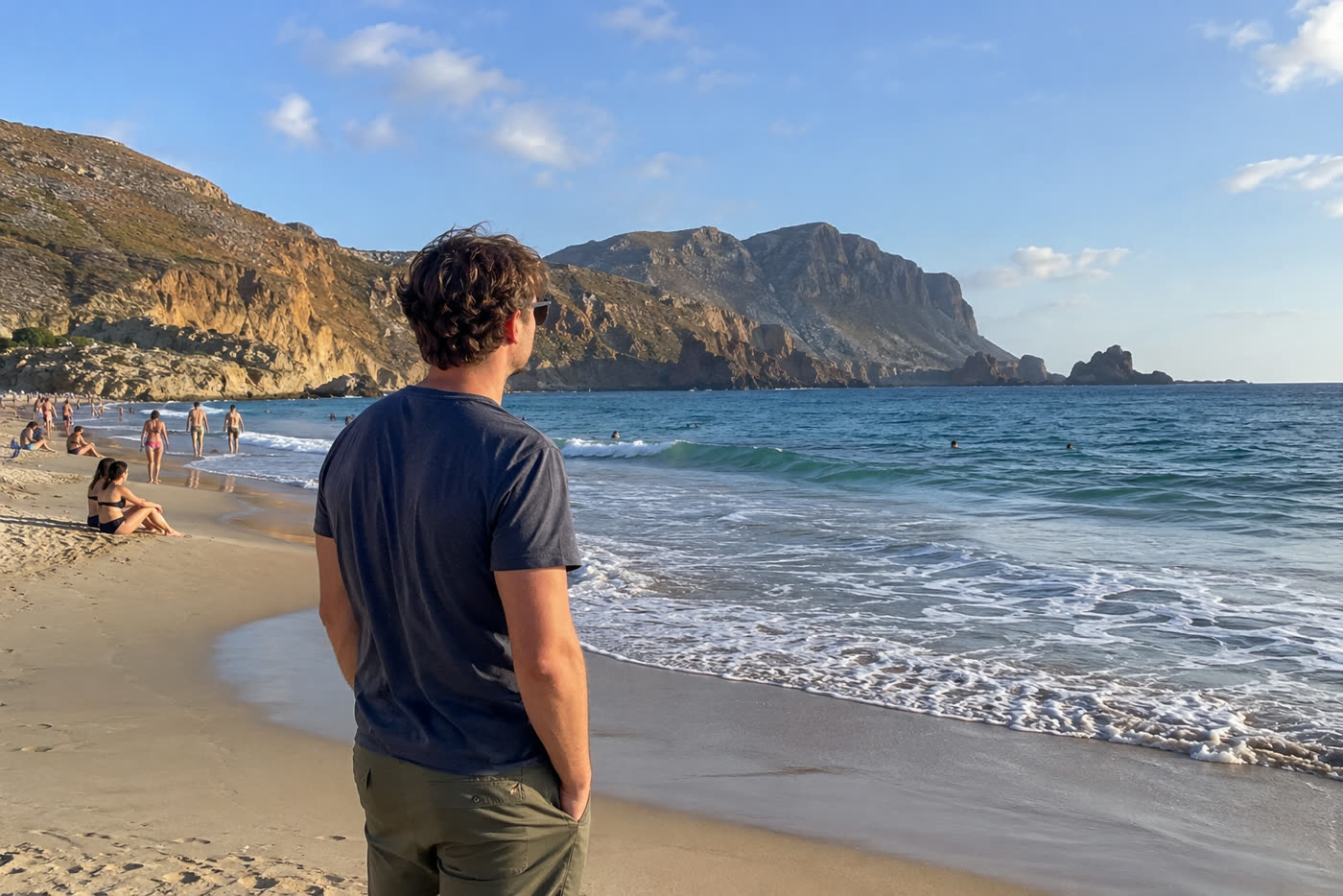
 BeforeAfter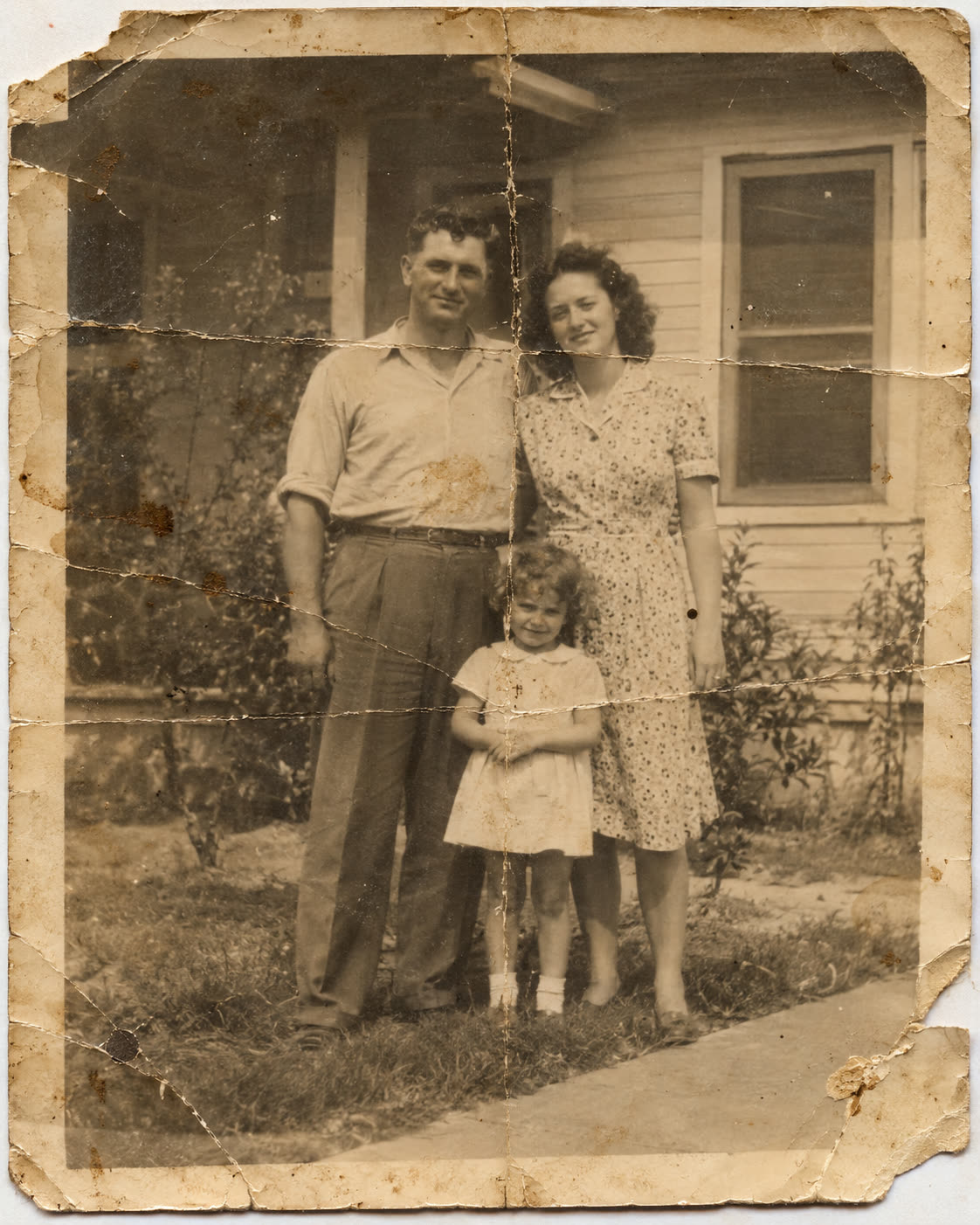
 BeforeAfter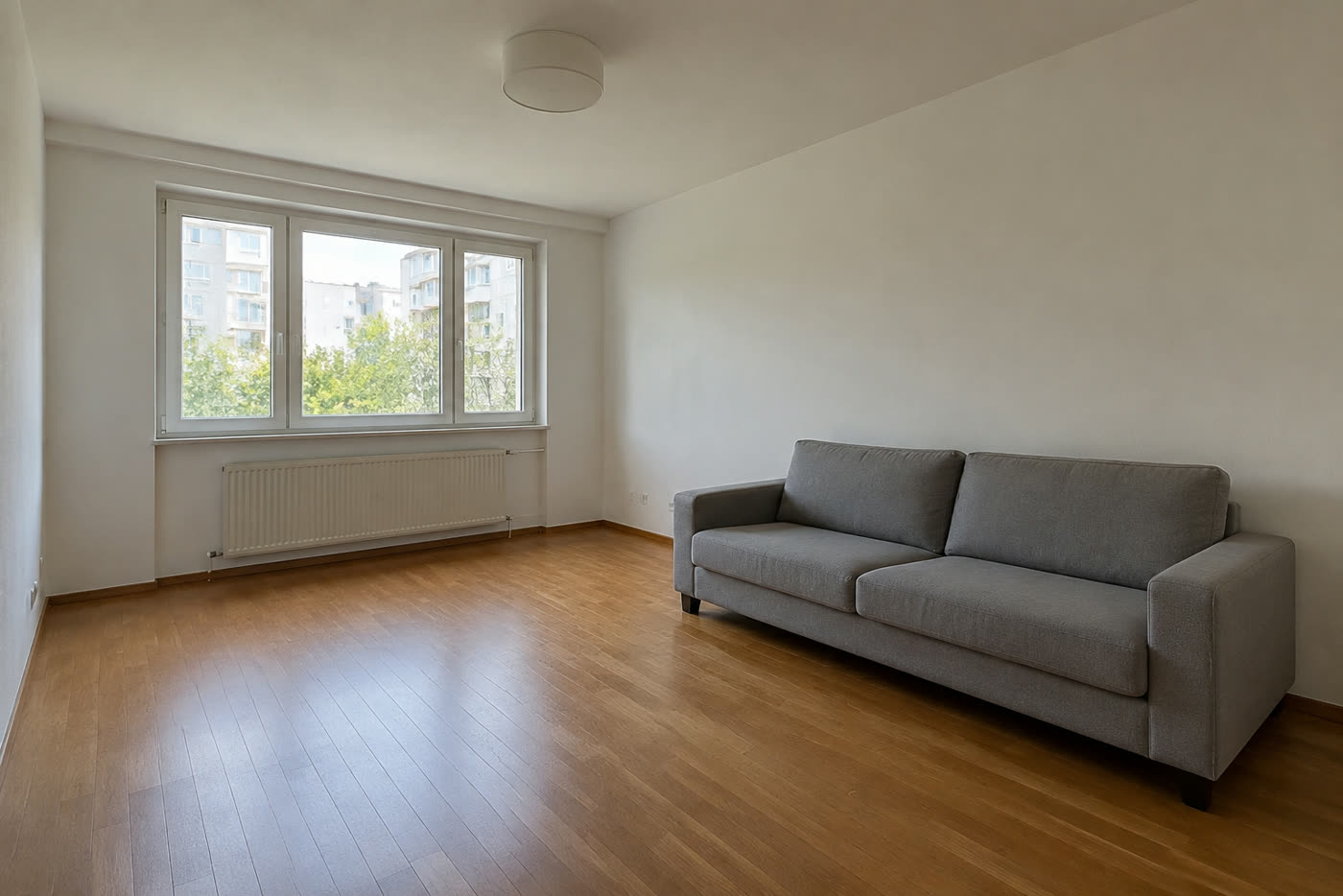
 BeforeAfter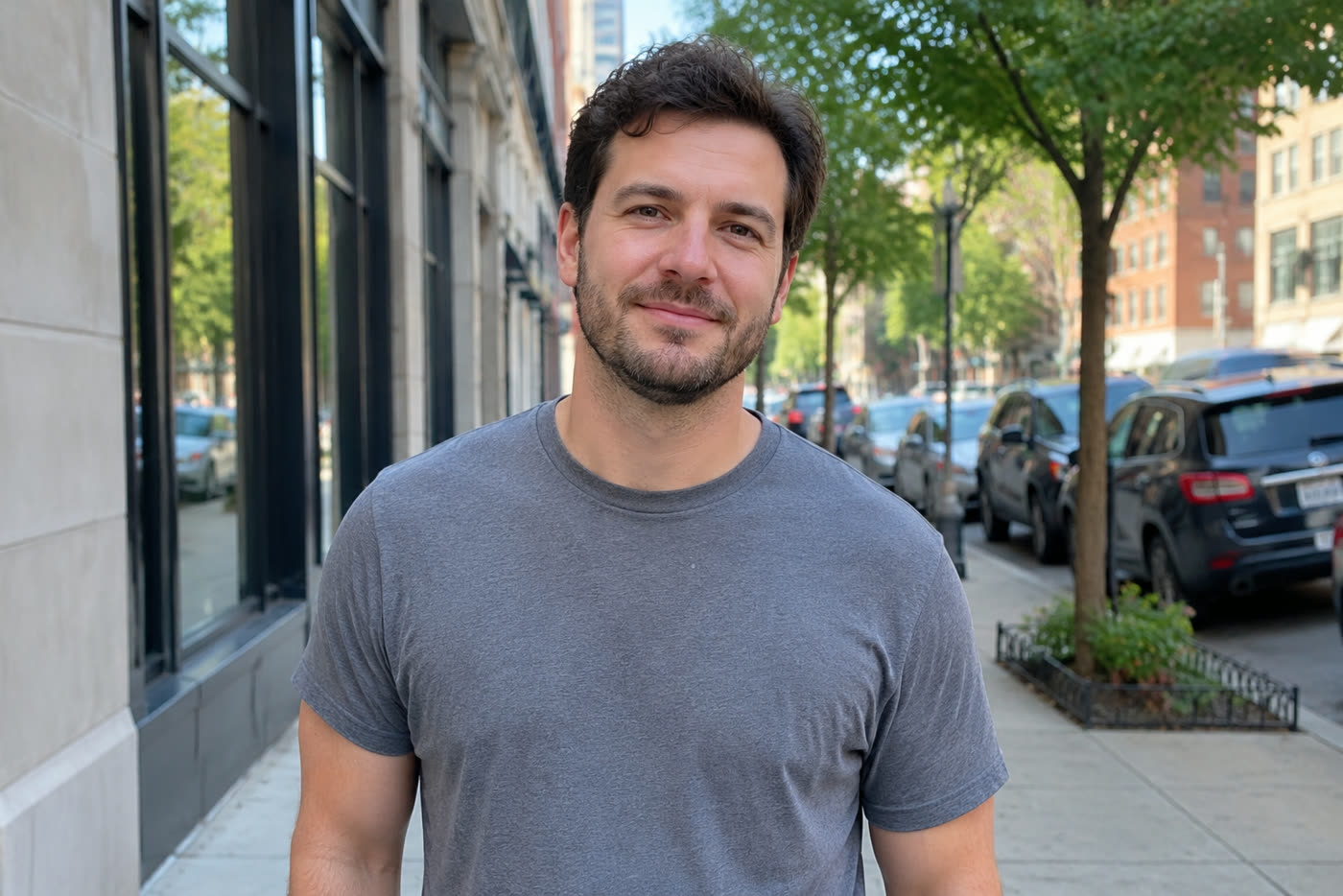
 BeforeAfter
How it works
Three steps, about ten seconds
- Upload a photodrop, paste or choose a JPG, PNG, WebP or HEIC. It’s resized in your browser and never stored.
- Pick an editRemove passers-by, New background or any of 12, or type your own instruction in plain English.
- Press Developin about 6–10 seconds, compare before and after with the slider, download, or keep editing the result.
Twelve edits
What you can do with one tap
| Edit | What it does |
|---|---|
| Remove background | Clean white background, subject untouched. |
| Change background | Put the subject somewhere else. |
| Remove people | Erase tourists and strangers behind you. |
| Remove object | Wires, bins, cars, photobombers — say what. |
| Restore old photo | Fix scratches, fading and blur; add natural colour. |
| Enhance & sharpen | Sharper, cleaner, better light and colour. |
| Fix lighting | Rescue dark or flat photos. |
| Blur background | Phone photo → camera bokeh. |
| Change outfit | Try new clothes on the same person. |
| Change style | Watercolour, anime, oil painting, film… |
| Add text | Clean captions and titles in the photo. |
| Product shot | Desk snap → clean e-commerce shot. |
| Your own edit | Type any change in plain English, up to 300 characters. |
Compared
How it compares
| AI Photo Editor | Typical AI editor sites | Desktop editors | |
|---|---|---|---|
| Sign-up before the first edit | None — first edit free | Often an account or email | Account + subscription |
| Editor on the first screen | Yes, upload right away | Often below a landing page | Desktop app install |
| One-tap edits | 12 + your own words | Mostly one tool per page | Manual tools and layers |
| Typical time per edit | ≈6–10 s (standard) | 10–60 s, queues at peak | Minutes of manual work |
| Edit the result again | Yes, chain edits in place | Often re-upload each time | Yes |
| Text, crop, filters, cut-out | Free & unlimited, in your browser | Often watermarked or limited | Yes |
| Photo storage | Never stored | Often kept in a gallery | Local files |
| Price after the free edit | About 7–8¢ an edit, no subscription | Monthly plans common | ≈$20+/month |
Free tools · unlimited
No credits needed. Nothing uploaded.
Add text, crop and rotate, apply filters or remove the background — free, unlimited and without a watermark. These tools run in your browser, so the photo never leaves your device.
Focused tools
Start from the job you have
Frequently asked questions
Is it really free without sign-up?
Yes. Every visitor gets one free standard edit per day with no account, email or card. More edits use credits: packs start at $9.90 for 120 credits (about 8¢ an edit), and a standard edit costs 1 credit.
How fast is it?
Standard edits usually finish in about 6–10 seconds. High quality (2K output) takes about 10–20 seconds.
Do you keep my photos?
No. Your photo is sent to the AI model only to make the edit, then discarded. We never store the photo or the result on our servers, and we never use them for training. The edited photo is returned straight to your browser.
Which AI models do you use?
Standard edits use Google’s Gemini image model (often called Nano Banana). High quality uses ByteDance Seedream 4.5 for 2K output. If a model is down we switch to a backup automatically.
Are there free tools without limits?
Yes. Add text, crop and rotate, photo filters and background removal are free and unlimited with no watermark. They run in your browser, so the photo never leaves your device. Only the AI edits use credits after the free one.
What edits can I make?
Twelve one-tap edits — remove background, new background, remove passers-by, erase object, restore old photo, enhance, fix lighting, portrait blur, change outfit, art style, add text and product photo — plus any instruction you type.
Is there a subscription?
No subscription is needed. Credit packs are one-time ($9.90 / $19.90 / $29.90) and never expire. If you edit every week, the Monthly plan gives 150 credits for $9.90 a month and can be cancelled anytime.
What isn’t allowed?
No nude or sexual edits, no “undress” requests, no face swaps and no putting real celebrities or public figures into photos. Only edit photos you have the right to use.